
NORDIPTVHD content guide
Bring your viewing interests into focus.
Use categories, countries and languages to describe what you want to watch. Ask us to check any essential channel, event or programme for your chosen package.
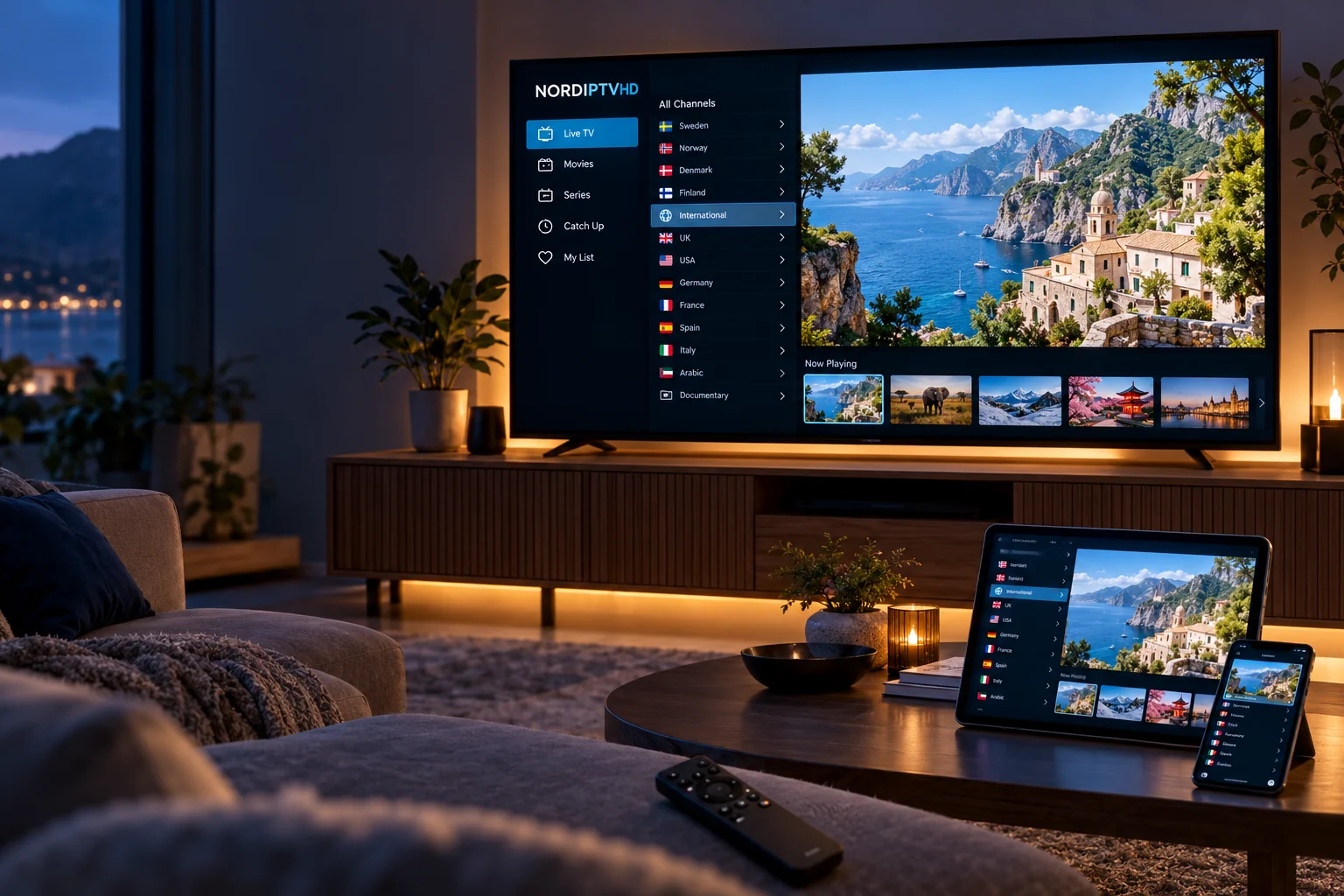
Different moods. Different moments.
What will you watch next?
Browse the types of entertainment you enjoy, then ask about the selection available in your package.
World television
News, culture and everyday programmes from the regions you follow.

Sport on screen
Ask about the leagues and events that shape your viewing calendar.
Movie evenings
Explore available film categories and choose something for tonight.
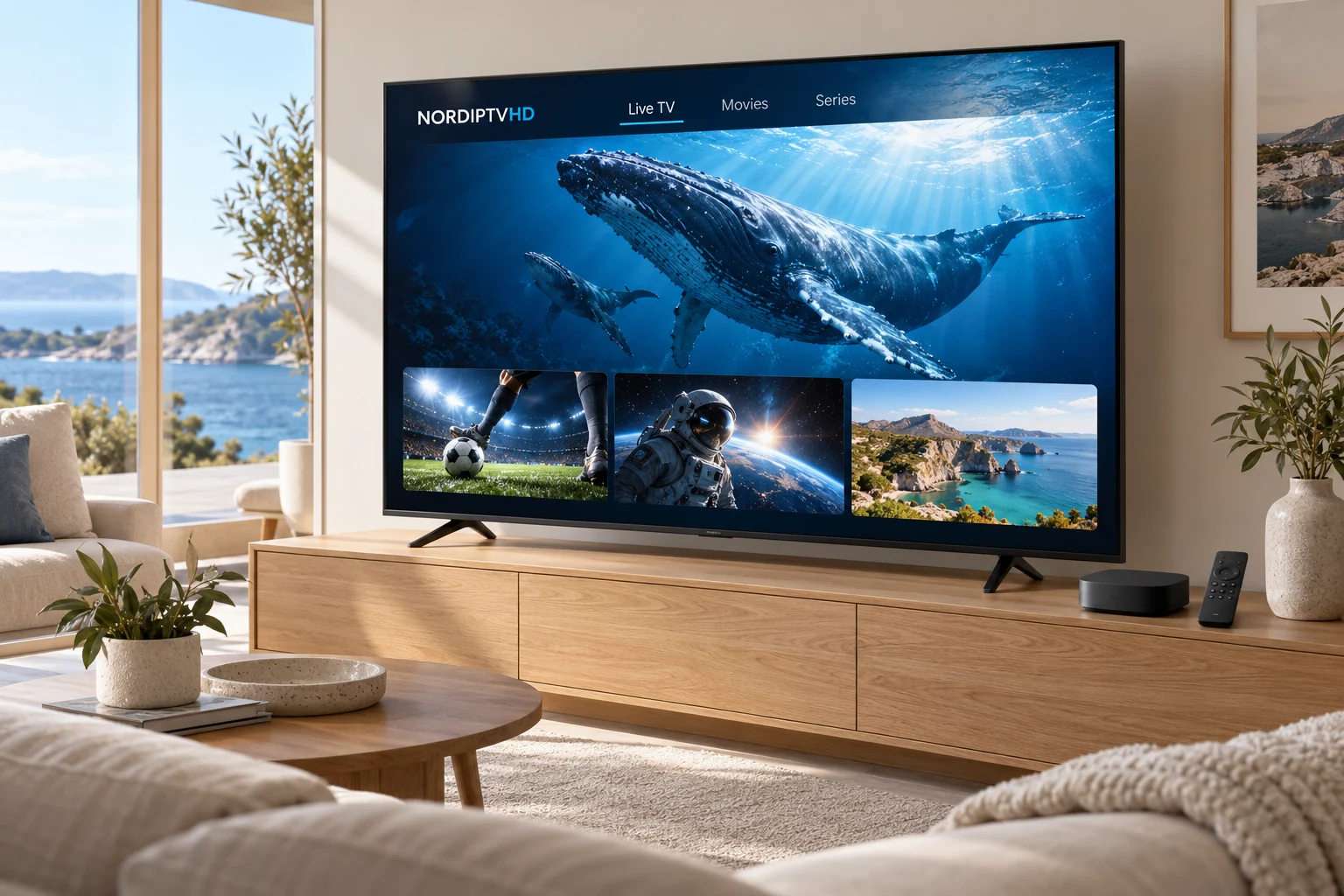
Series discovery
Find a new story and organise the episodes you want to return to.
Nature & learning
Make room for documentaries, discovery and a different perspective.
Family viewing
Confirm age-appropriate categories and the controls offered by your player.
Music & culture
Look into music programmes and cultural categories by language.
Weekend entertainment
Build a shortlist for relaxed evenings and shared screen time.
Explore your country interests.
Ask about the current selection before choosing a package.
No matching country. Contact us for help.
Make your content request specific.
A short list can make the package comparison more useful.
Country & language
Name the regions you follow and the audio languages that matter to you.
Channel & programme
Include exact names where possible rather than a broad label such as sports or movies.
Event & timing
For a competition or live event, include the date and the coverage you want checked.
About availability
Categories describe viewing interests rather than a guaranteed catalogue.
Are country labels a full channel list?
No. They are a starting point for your enquiry. Ask about the current selection in the exact package you are considering.
Can a channel or programme change?
Availability can change. Confirm must-have content before ordering and ask about any uncertainty.
Does every category include every language?
Audio and subtitle options vary by programme and source. Mention any accessibility or language requirement explicitly.
Where should I compare packages?
Open Pricing to compare the four categories and subscription periods, then send your content shortlist with your request.
Nordic countries & Europe
Match your setup to the countries you follow.
Include Sweden, Norway, Denmark, Finland or Iceland in your viewing shortlist, or name the European countries and languages that matter to you.
Your viewing interests
List essential channels, programmes and audio languages so their availability can be checked for the selected package.
Your main device
Provide the exact model and player. App availability can depend on the operating system, app store and region.
Your location and screens
Ask about any location restrictions and the number of simultaneous streams before setting up devices at home or while travelling.