
NORDIPTVHD device guide
Start with the screen you already own.
A useful compatibility check starts with the exact model and operating system. Explore device families, prepare a suitable player and confirm the access format before choosing your subscription.
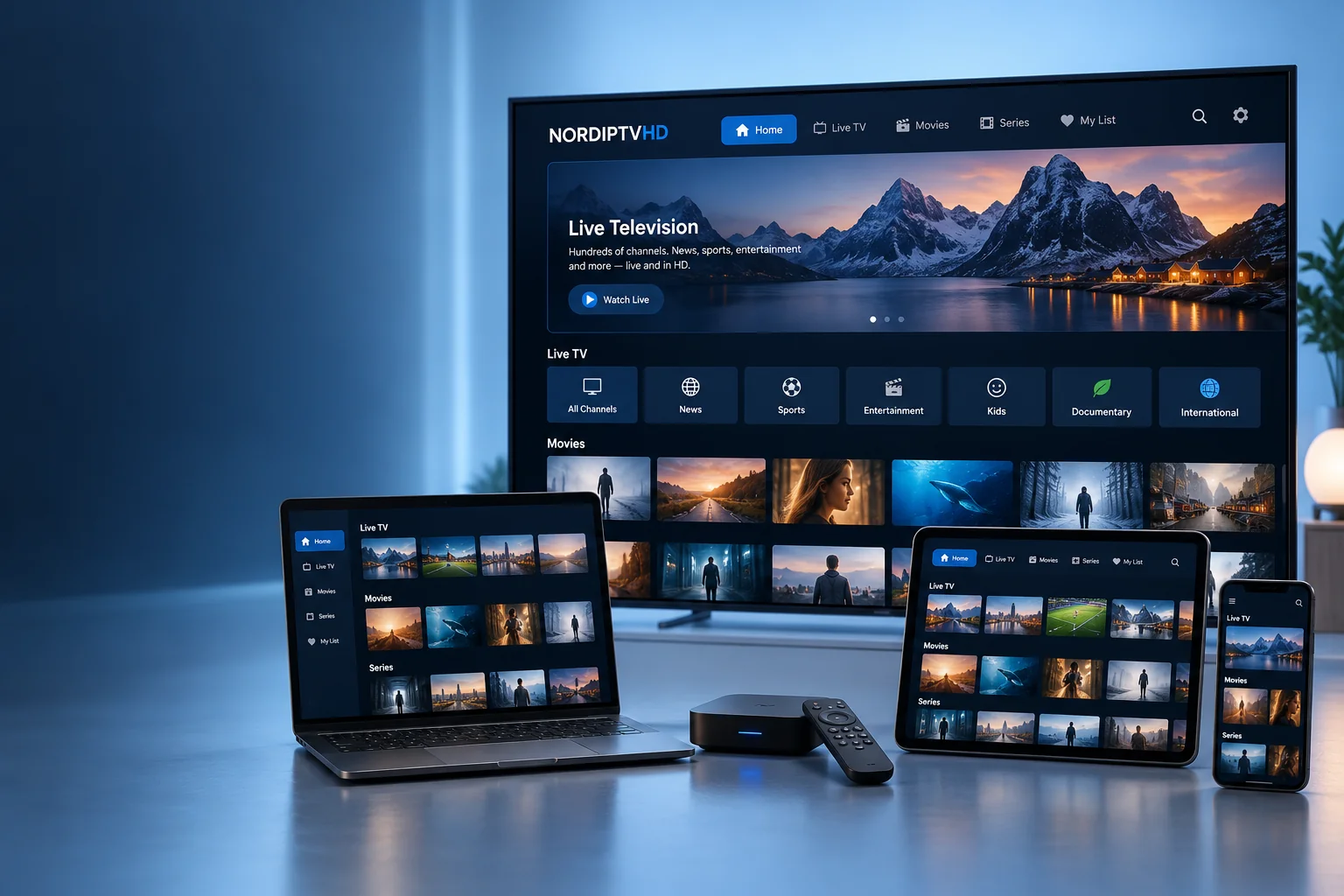
Compatible device families
Find the screen you use every day.
Confirm the exact model and access format before choosing your setup.




Check your model, not just the brand.
Devices in the same family can have different operating systems and app stores.
Smart televisions
Find the model number, year and software version in the TV settings. Check which players are available in your store and region.
Streaming boxes & sticks
Review the operating system, remote control and network connection. Confirm that the player supports your supplied account format.
Mobile & computer
Choose the version made for your operating system. Check audio, picture, network stability and any separate app charge.
A network check belongs in your setup.
The connection in your viewing room matters as much as the device.
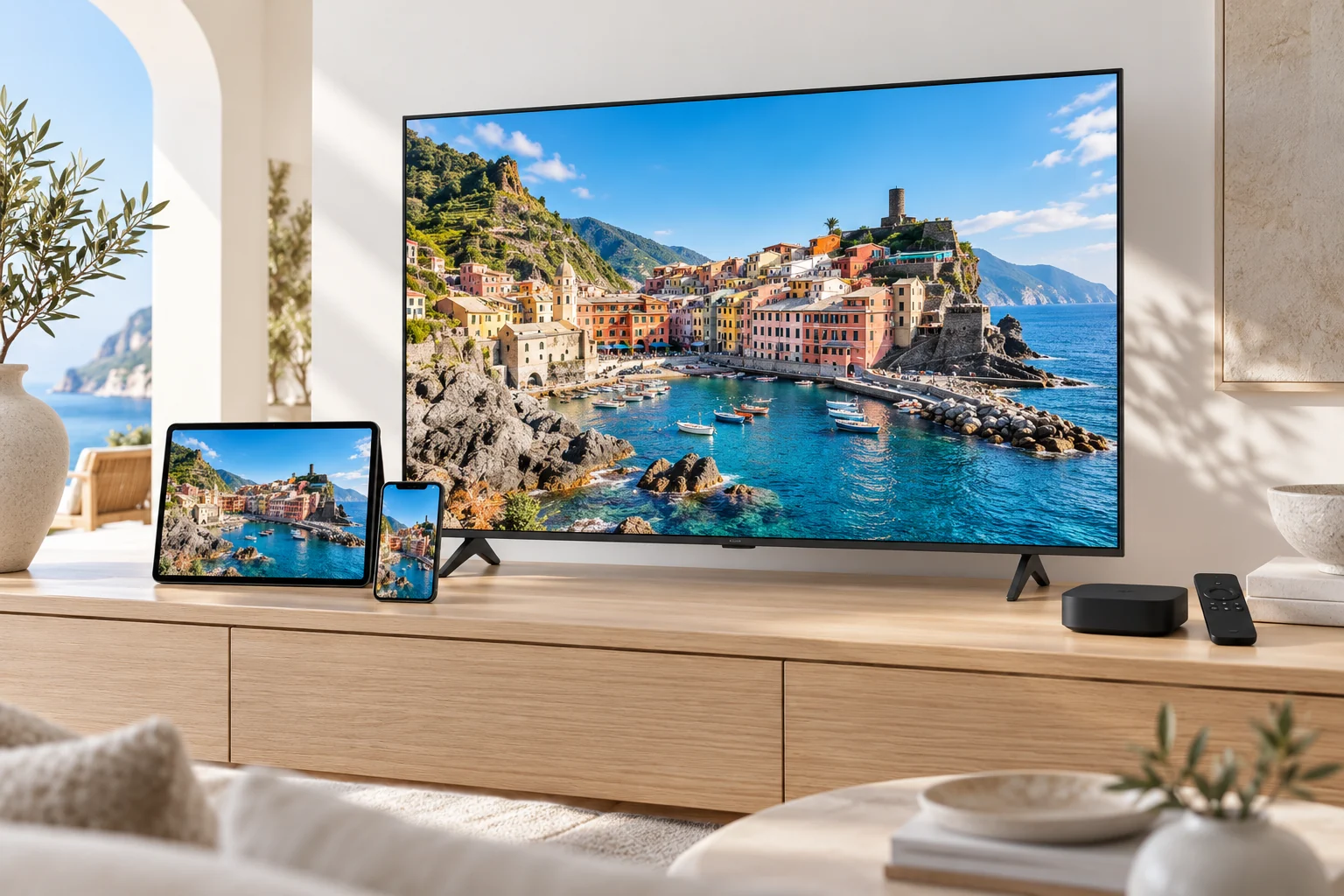
Test where you actually watch.
Compare Wi-Fi reception near your screen with the connection elsewhere in your home. If the device supports Ethernet, a wired test can help identify a local wireless issue.
Resolution also depends on the source, player and display. A 4K television does not make every stream 4K.
Open setup instructions →Before using several screens
Installation count and simultaneous viewing are different things.
List the devices
Write down the screens that may be used in your household.
Count active streams
Work out how many people might watch at the same time.
Confirm the allowance
Check the simultaneous connection limit of the package before starting multiple streams.
Nordic countries & Europe
Match your setup to the countries you follow.
Include Sweden, Norway, Denmark, Finland or Iceland in your viewing shortlist, or name the European countries and languages that matter to you.
Your viewing interests
List essential channels, programmes and audio languages so their availability can be checked for the selected package.
Your main device
Provide the exact model and player. App availability can depend on the operating system, app store and region.
Your location and screens
Ask about any location restrictions and the number of simultaneous streams before setting up devices at home or while travelling.