
NORDIPTVHD player guide
Find an IPTV app that fits your device.
Start with the screen you use, then choose a player that supports your subscription access format. Compare remote navigation, platform availability and any separate app licence.
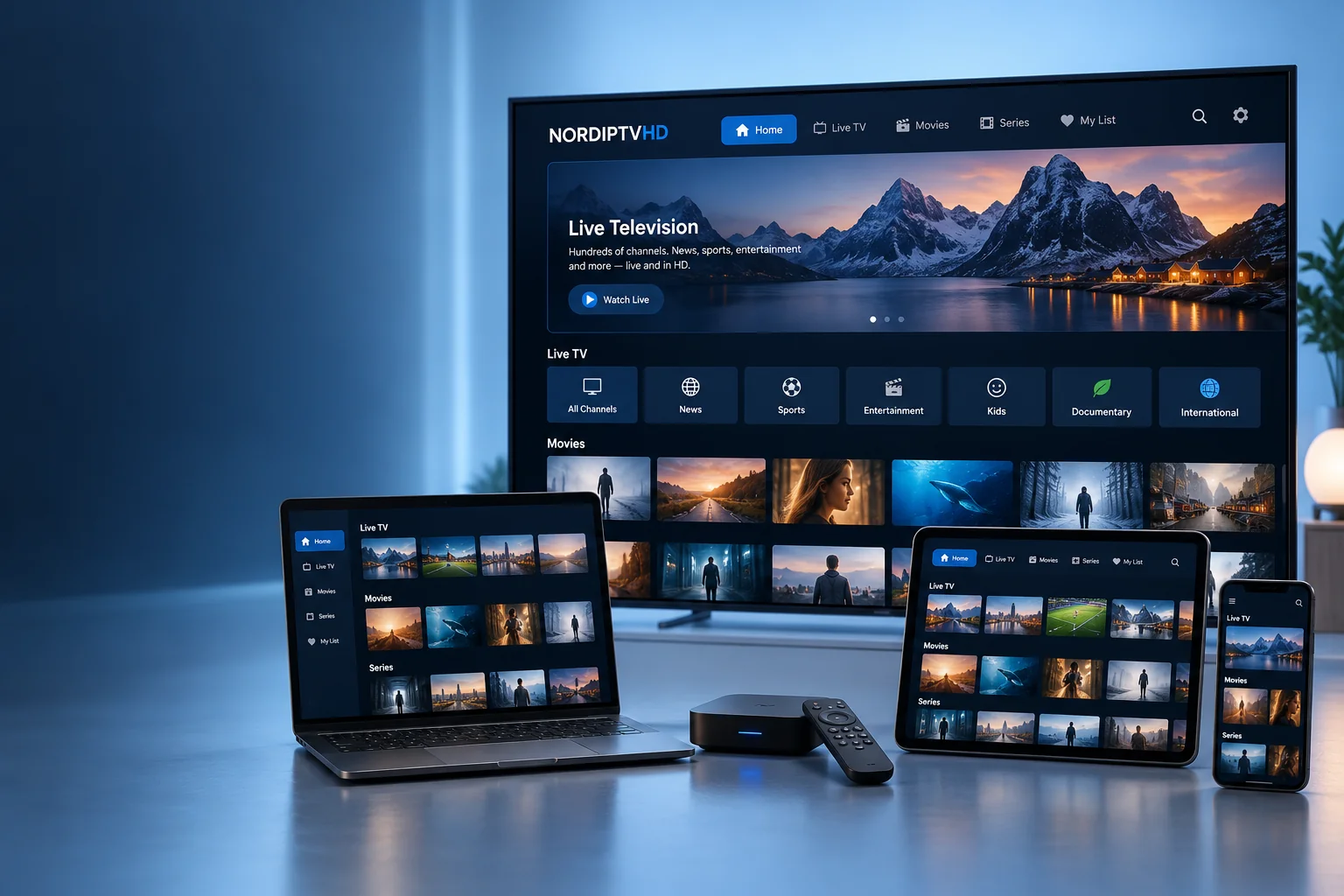
IPTV player applications
Choose a player for your viewing style.
Applications are separate products. Availability, licences and compatibility vary.


A player and a subscription do different jobs.
Know which product you are choosing before you install or pay.
The application
Your player provides the interface for opening supported playlists or account formats. It does not automatically include television content.
Your service access
Your subscription supplies the access details for the agreed package. Confirm that the player can use the format you receive.
A separate app licence
Some applications charge for activation or advanced features. Check the publisher’s terms, supported devices and billing before purchasing.
Choose for the way you navigate.
A television remote and a touchscreen call for different controls.
Television & streaming box
Look for clear menus and reliable remote control navigation. Confirm the operating system and the exact TV or box model.
Phone & tablet
Check screen layout, supported account formats and app availability for your operating system. Keep your access details private.
Computer & desktop
Confirm the supported media format, your audio output and full-screen controls. A general media player may offer different features from a TV-focused application.
Prepare your app in four checks.
A little preparation makes support questions easier to answer.
- Check the publisher and use the official app store or developer download.
- Confirm your model and the playlist or account format the app supports.
- Review any activation charge before paying for the application.
- Enter the supplied details privately and test a few streams, picture and sound.
Player questions
Useful distinctions before choosing an application.
Can one app work on every device?
Availability and features vary across operating systems. Confirm the specific version for your television, mobile device or computer.
Does paying for a player include a subscription?
Usually these are separate purchases. Read the publisher’s listing and confirm exactly what the app licence includes.
Which app should I choose?
Share your model, operating system and supplied access format. We can discuss suitable options without assuming every app works with every package.
Can I move between apps?
Check compatibility and keep your connection allowance in mind. Changing player does not increase the number of simultaneous screens in your subscription.
Nordic countries & Europe
Match your setup to the countries you follow.
Include Sweden, Norway, Denmark, Finland or Iceland in your viewing shortlist, or name the European countries and languages that matter to you.
Your viewing interests
List essential channels, programmes and audio languages so their availability can be checked for the selected package.
Your main device
Provide the exact model and player. App availability can depend on the operating system, app store and region.
Your location and screens
Ask about any location restrictions and the number of simultaneous streams before setting up devices at home or while travelling.