
Nord IPTV HD journal
Nordic IPTV Subscription Checklist: Countries, Screens and Setup
October 19, 2026
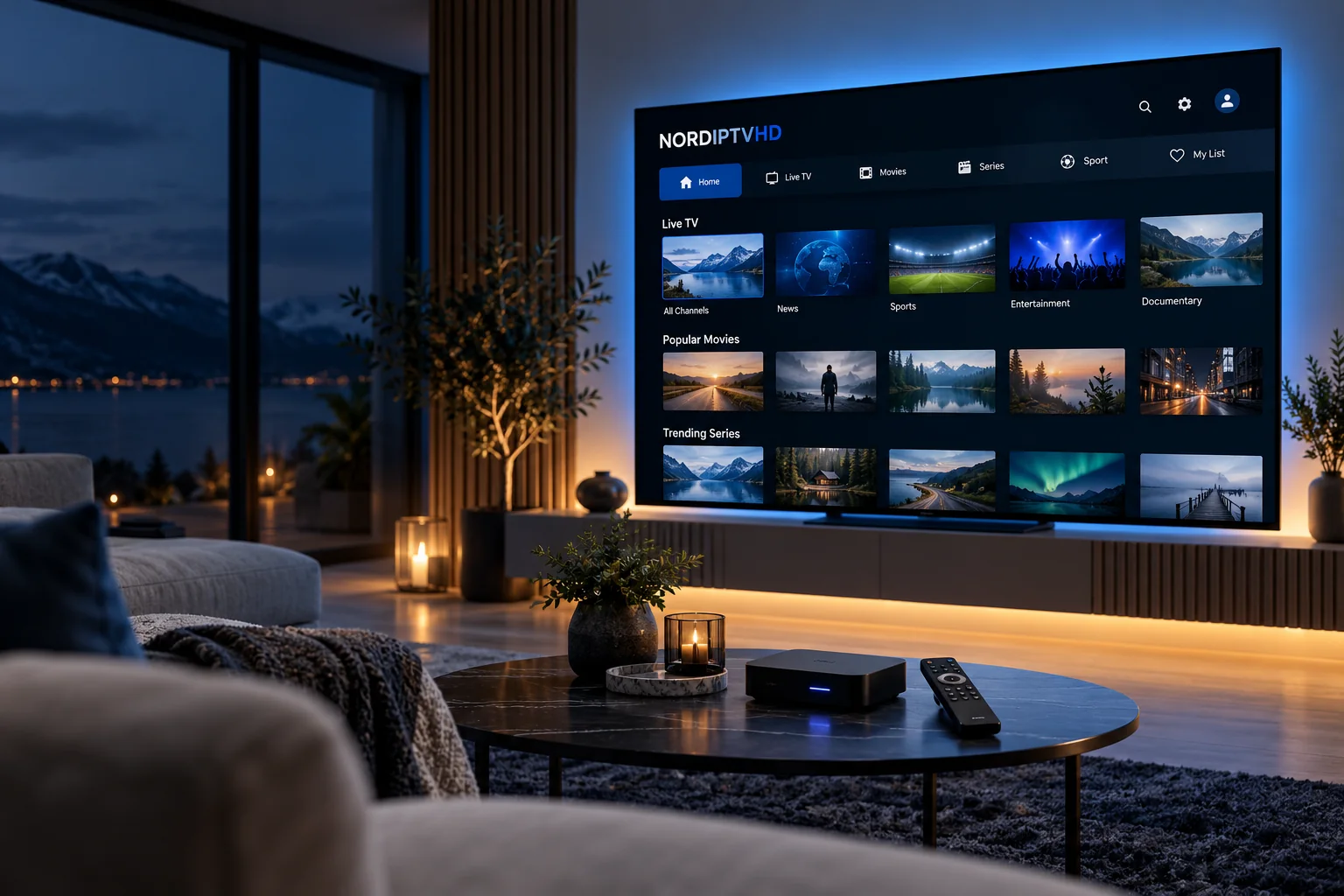
A useful Nordic IPTV comparison begins with your viewing routine. Before choosing a package, write down the countries you follow, the screens you use and the programmes you would miss. This guide explains how to turn that shortlist into a clear subscription request for NORDIPTVHD.
Start with countries and languages
Nordic viewing interests can include Sweden, Norway, Denmark, Finland and Iceland. A regional label alone does not confirm the channels, soundtracks or subtitles available in a particular package. Name the countries and languages that matter to you, then list any essential channels or programmes separately.
If you also follow programming from the UK, Germany, France, Switzerland or another European country, include it in the same request. A specific shortlist is more useful than asking whether a service has everything.
Separate the subscription from the player
An IPTV player is the application you use to open supported service access. Your subscription supplies the agreed access details. Installing a player does not, by itself, create a television subscription, and some applications have their own activation or licence charge.
Before paying for an application, confirm its publisher, device support and accepted access format. Our IPTV app guide explains the questions worth asking.
Check the device you actually own
Write down the brand, model and operating system of your main television, streaming box, phone or computer. Two televisions from the same manufacturer may offer different app stores or software versions. The exact model helps support give a relevant compatibility answer.
Explore the device families, then use the setup guide to prepare your screen.
Count simultaneous streams
The number of installed apps is different from the number of active streams allowed by a package. Think about the people who might watch together on separate screens. Confirm the simultaneous connection allowance before starting several streams or planning viewing in different locations.
Compare the complete period and price
Look at the total cost for 1, 3, 6 or 12 months, including the currency. Ask whether the chosen player has a separate charge, when your subscription starts and how renewal works. Do not assume a longer period includes a discount unless the confirmed offer states one.
Use the Pricing page to select your category and duration. Keep the agreed package details and renewal date in a private place.
Prepare a useful request
- Your preferred package and subscription period.
- The Nordic and European countries you follow.
- Essential channels, programmes and language requirements.
- Your exact device model and preferred player.
- The number of screens that may be used at the same time.
Send these details through the NORDIPTVHD order form or contact the team. Confirm availability and compatibility before completing your order, and keep passwords and payment information out of general support messages.